Create with the right commercial settings
Use ⇧⌘N, name the project and choose its currency before recording money. Budget is your cost ceiling; hourly rate is the rate used to value logged labour. Client and Owner are descriptive text, not accounts or invitations. Optional dates become active when their Set checkbox is enabled.
Edit the project
Open the project and click Edit…. Change its identity, status, schedule, commercial fields or description, then Save. If renaming, review the separate Rename the linked project folder option. Editing the name alone should not be confused with moving documents.
Reuse a project
Control-click the project in the sidebar and choose Duplicate Project. Open the new copy and review its dates, task state, budget, rate and folder association before using it. Duplication is a planning shortcut, not a substitute for backing up the original project or its files.
Archive finished work
In Edit…, set Status to Archived. Review the optional move to workspace/_archive before saving. Archived projects are available in Archive & Recovery; choose Unarchive & Open to return one to active views. Archiving is different from deleting.
Delete only when appropriate
Control-click the project in the sidebar, choose Delete Project…, and read the confirmation. Its app records enter the 30-day recovery window. Its folder and documents remain on disk. Restore it in Archive & Recovery before the recovery period expires.
See it in the app
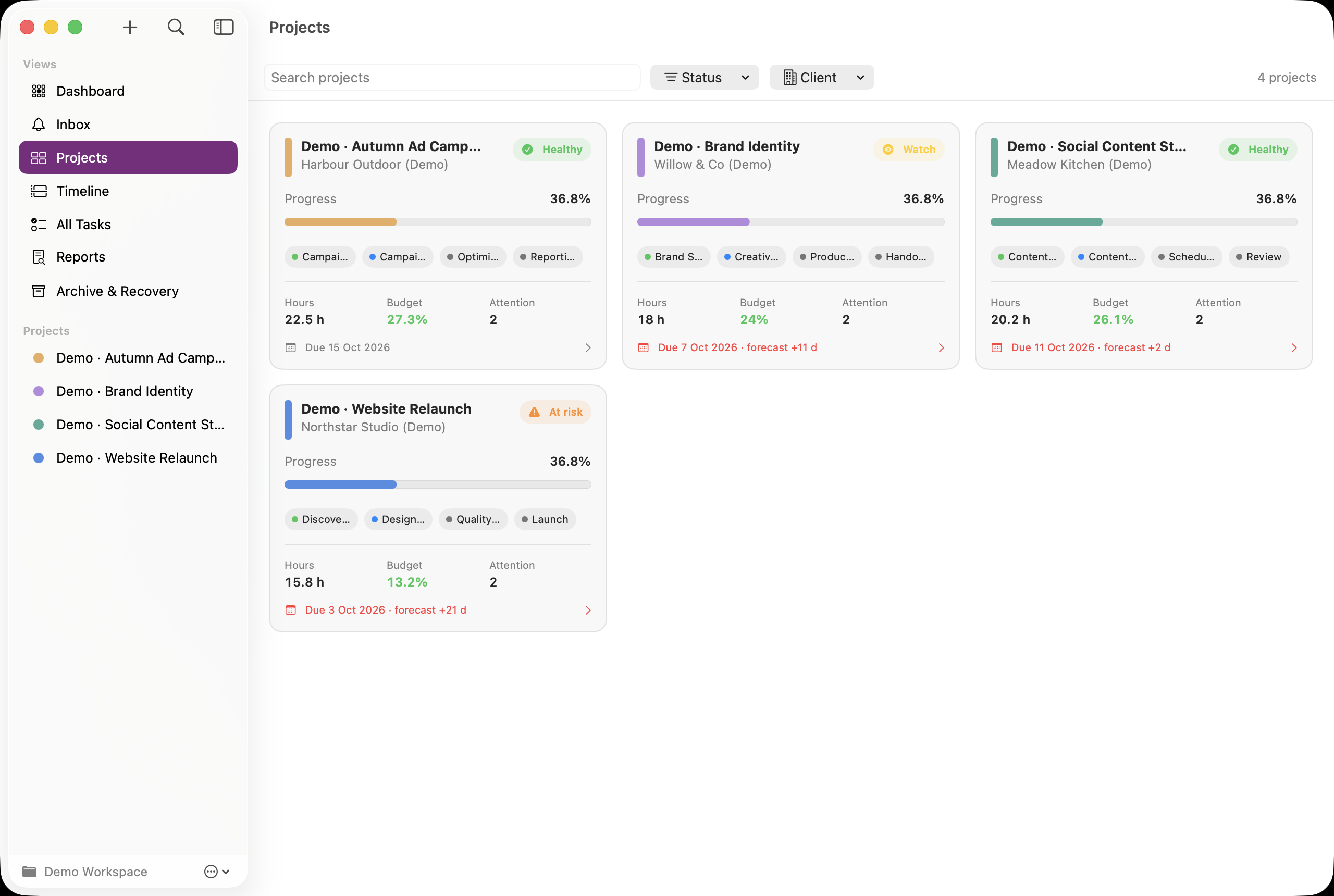
Fictional demo data. Click an image to open the larger screenshot. Labels and dates may differ from your version.