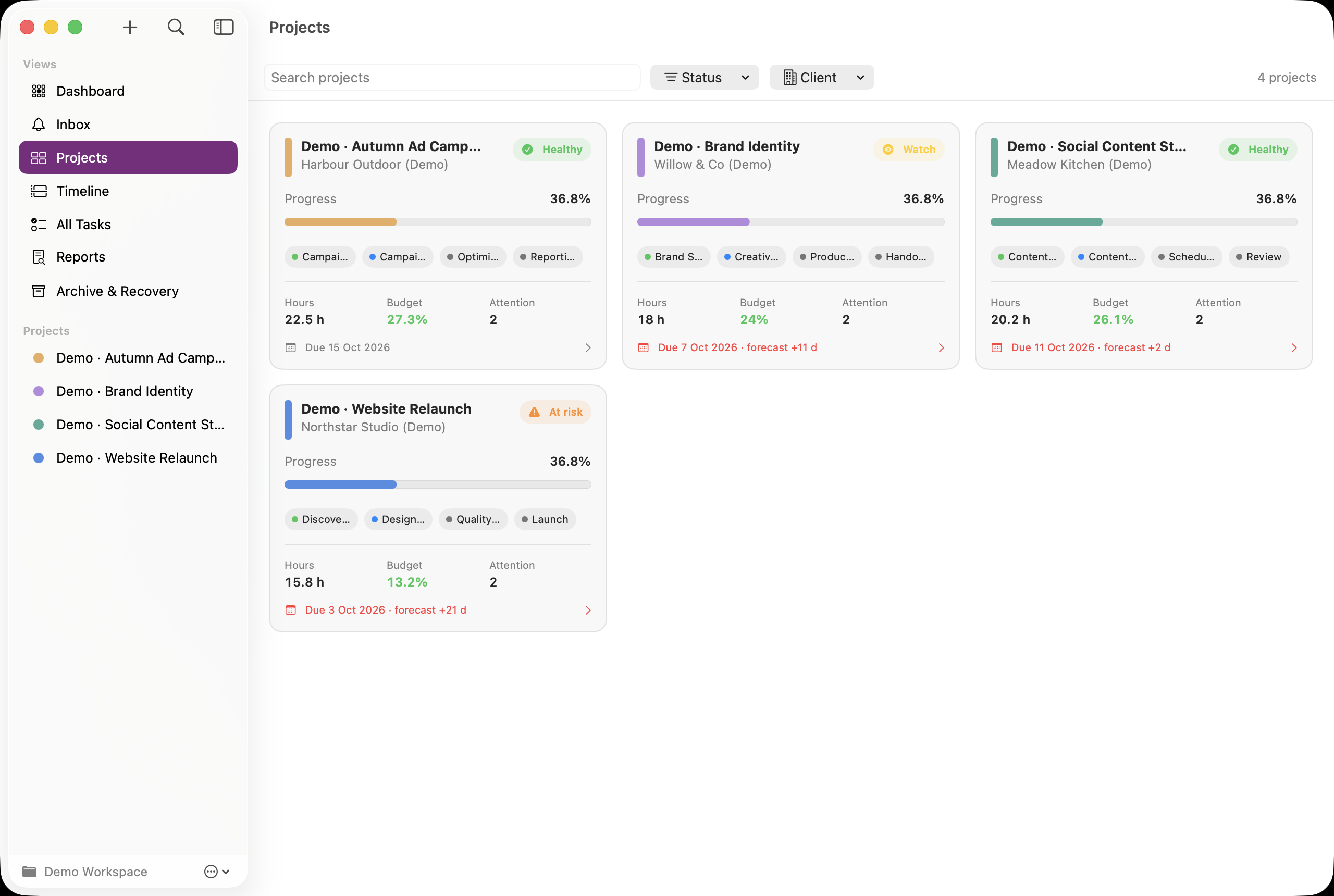
Start with the sidebar
Dashboard shows the daily work grid. Projects shows the portfolio board. Timeline shows planned project and stage dates. All Tasks combines tasks across projects; Inbox collects reminders; Reports exports summaries; Archive & Recovery contains archived and recently deleted records.
Open a project command centre
Select a project in the sidebar or click its name on the portfolio board. Its tabs are Overview, Tasks, Stages, Components, Time, Finance and Files. Overview’s logged-time, budget-used and open-task cards open the corresponding tab.
Drill into the structure
In Stages, select a stage to see its dates and tasks. In Components, select a workstream to see its linked stage, tasks and metrics. Click a task to open Task Inspector. The inspector’s Navigate links return to its stage or component. Tasks and components can be unassigned; a complete hierarchy is not mandatory.
Keep Help beside your work
Choose Help → Project Command Centre Help. This guide opens in its own resizable window and works offline, including before a workspace is linked. Search the guide by a feature or exact error phrase. Select a related topic at the end of an article to continue.
See it in the app
Fictional demo data. Click an image to open the larger screenshot. Labels and dates may differ from your version.